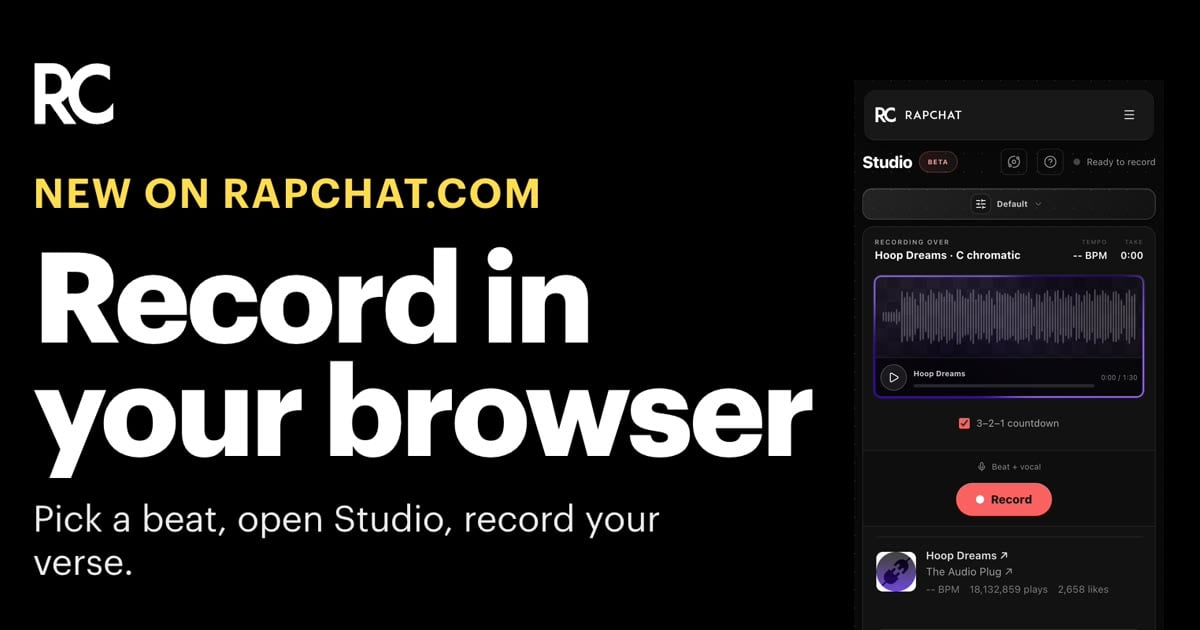
You don't need the app to record on Rapchat anymore. Open a beat on rapchat.com, open Studio, and record your verse in your browser. It works on desktop and on your phone.
From beat to take
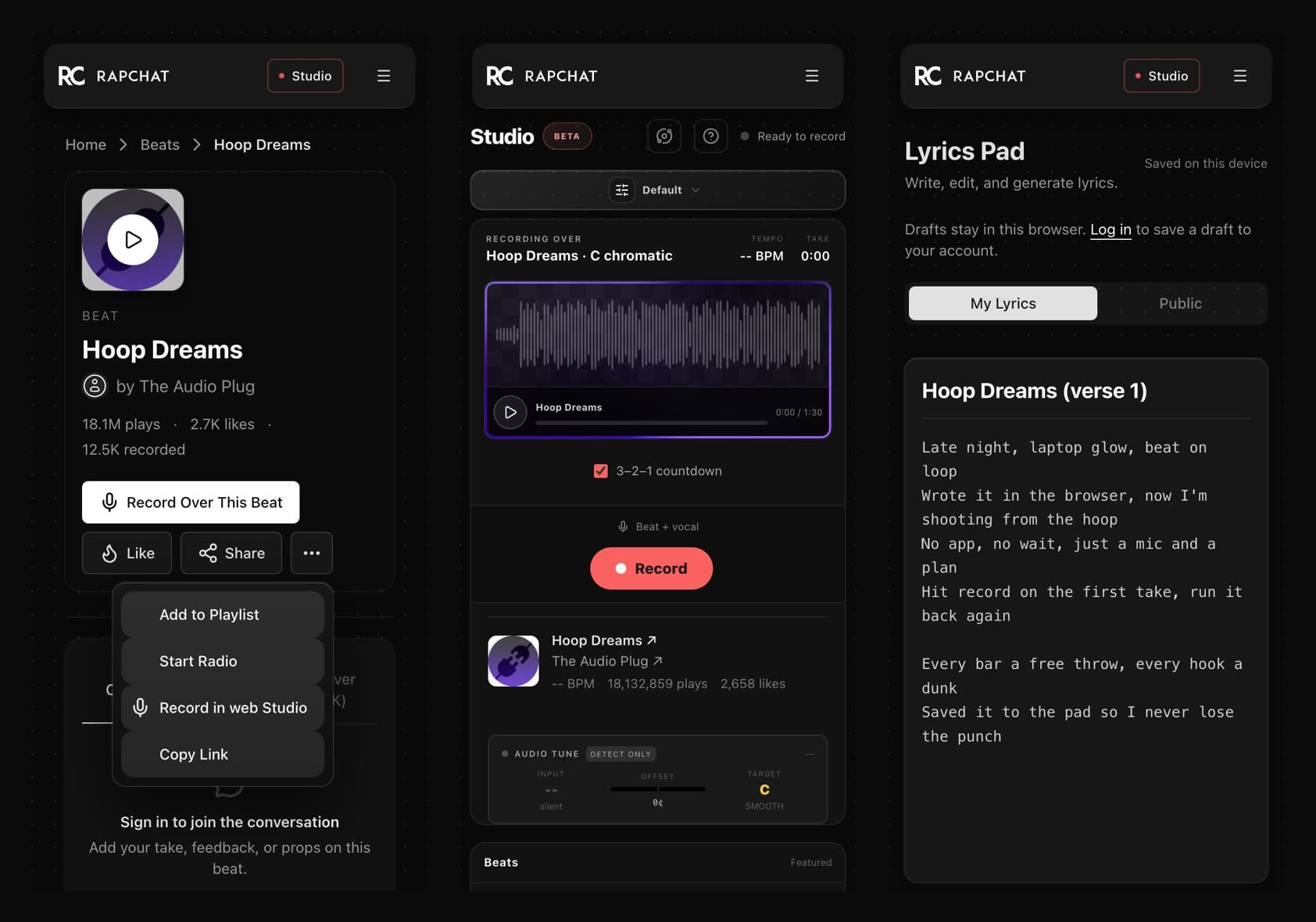
- Find a beat on Rapchat and open it.
- Tap Record Over This Beat, or open the beat menu and choose Record in web Studio. The beat loads with it.
- Allow your mic, tap record, and go.
- Add Audio Tune or reverb, let Rapchat mix your take, then download it or share it.
Lyrics that stay put
Write in the lyrics pad next to the beat. Your words survive a reload, even before you have an account, and they save to your account when you sign in. If a save fails, you see it and can try again.
Find it from anywhere
The tools page now groups recording, beats and lyrics by what you want to make. Beat pages and our app comparisons link straight to Studio.
Studio on the web is in beta. Tell us what breaks at [email protected].