Rapchat iOS 12.0.0 brings you new ways to organize, discover, and collaborate. Download the latest version now!
🔥 1. Organize beats & songs with playlists
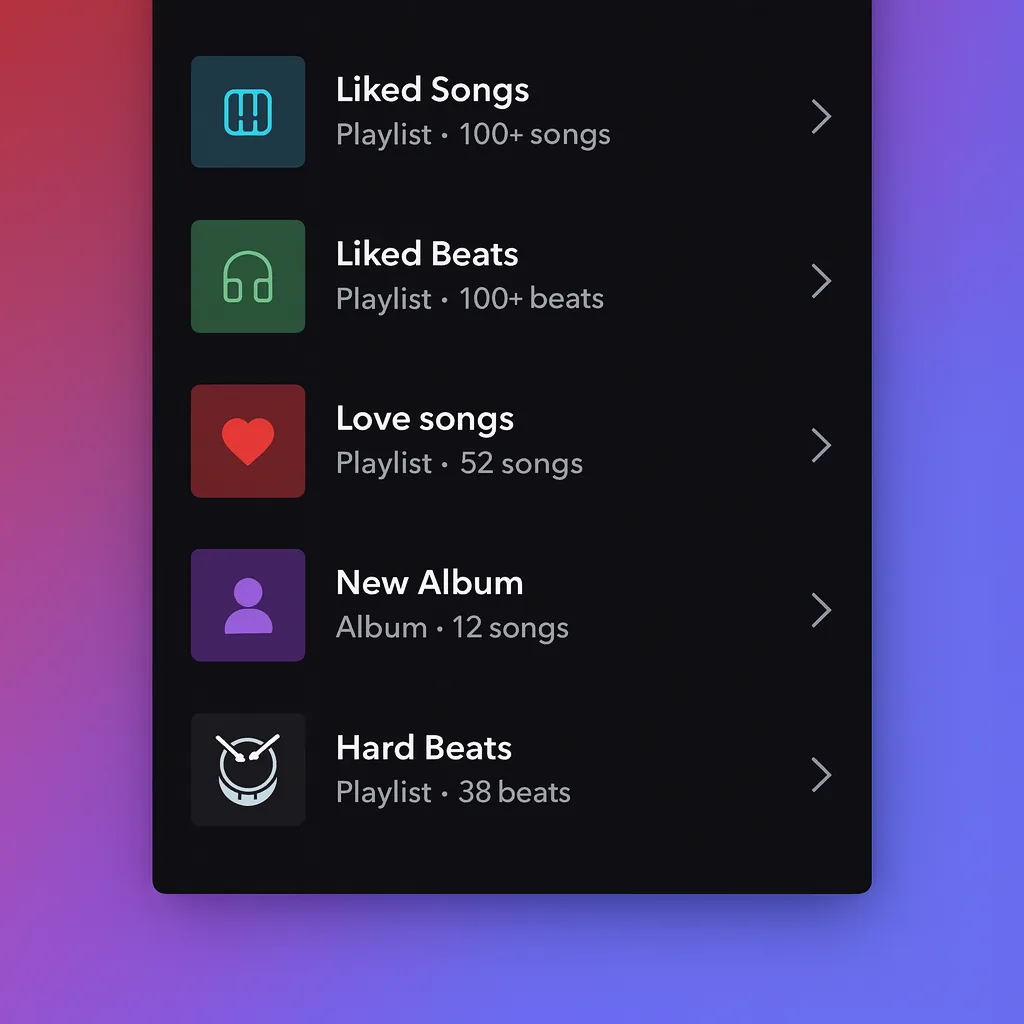
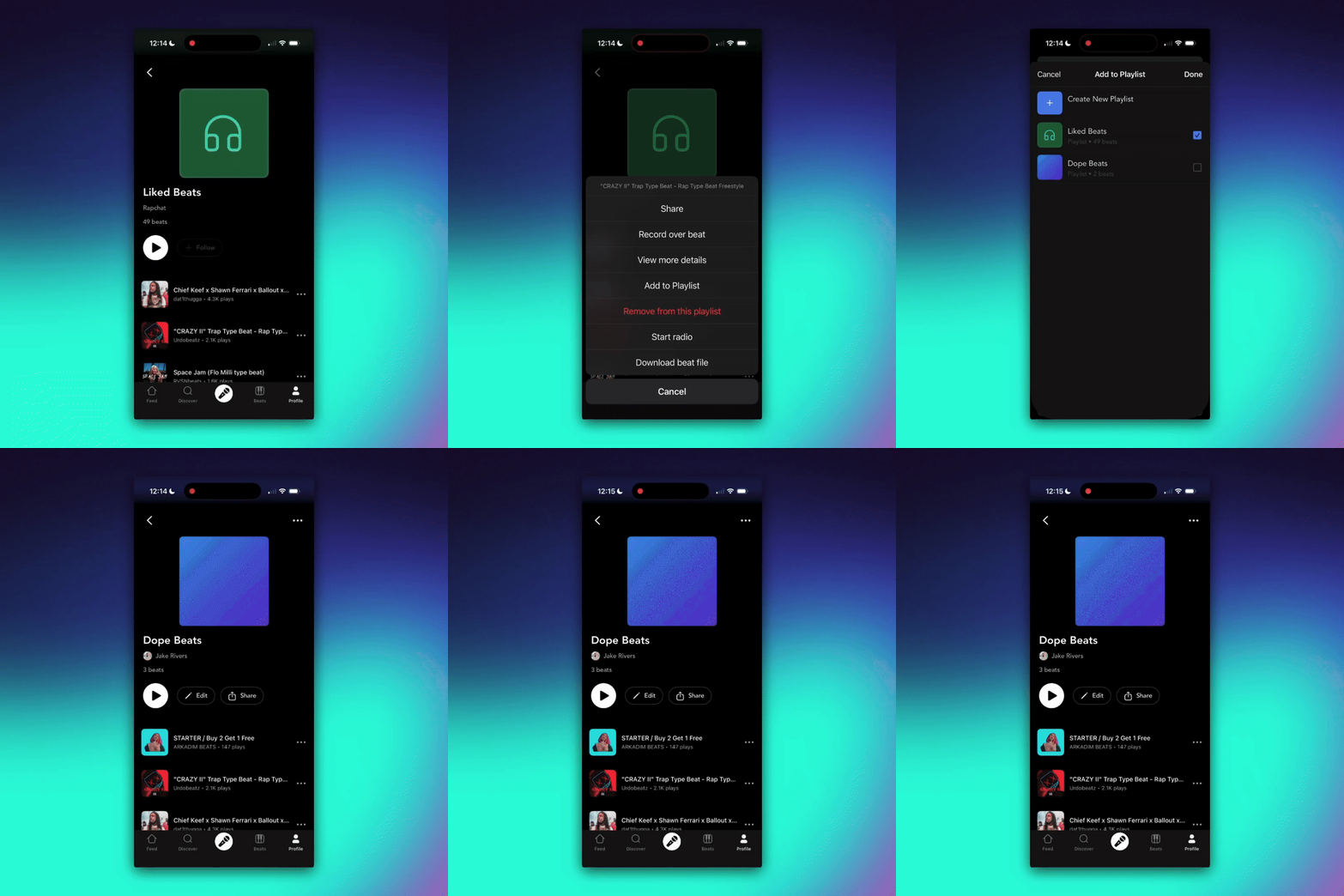
You can now create, share, and follow playlists of beats and songs. Your “Liked” content automatically organizes itself into dynamic playlists so you never lose track of your favorites.
To get started, go to any song or beat and tap the menu option to add it to a playlist. Then choose "create new playlist" and start adding your tracks! You can share your playlists with friends so they can follow along too.
🔗 2. Send project collab links
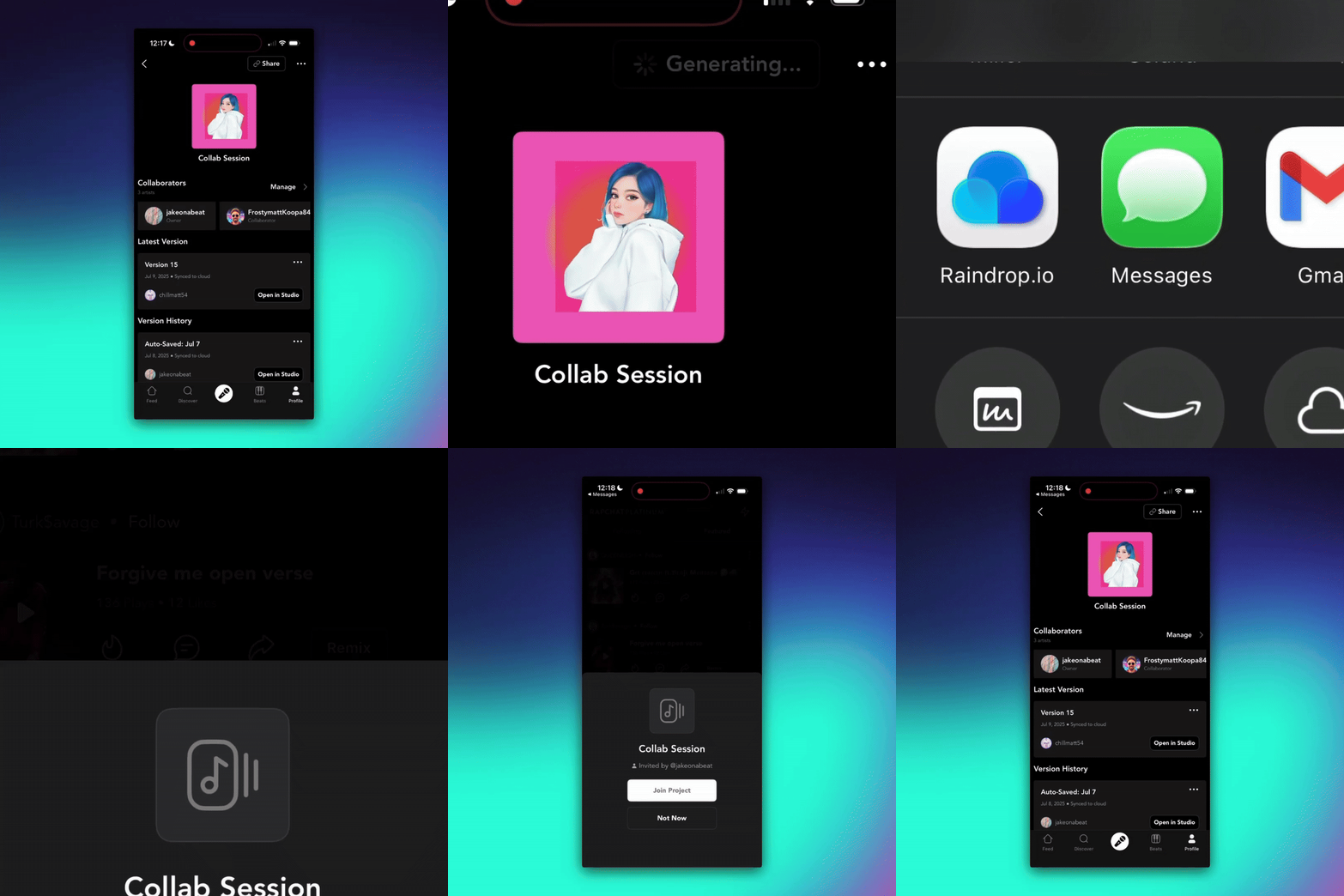
You can now share project invite links to make it even easier to collab with other artists. Just text them the link and they will be able to add vocals or make edits!
To get started, open a project and tap “🔗 Share” to generate a link for your collaborators.
📻 3. Listen to beats radio stations
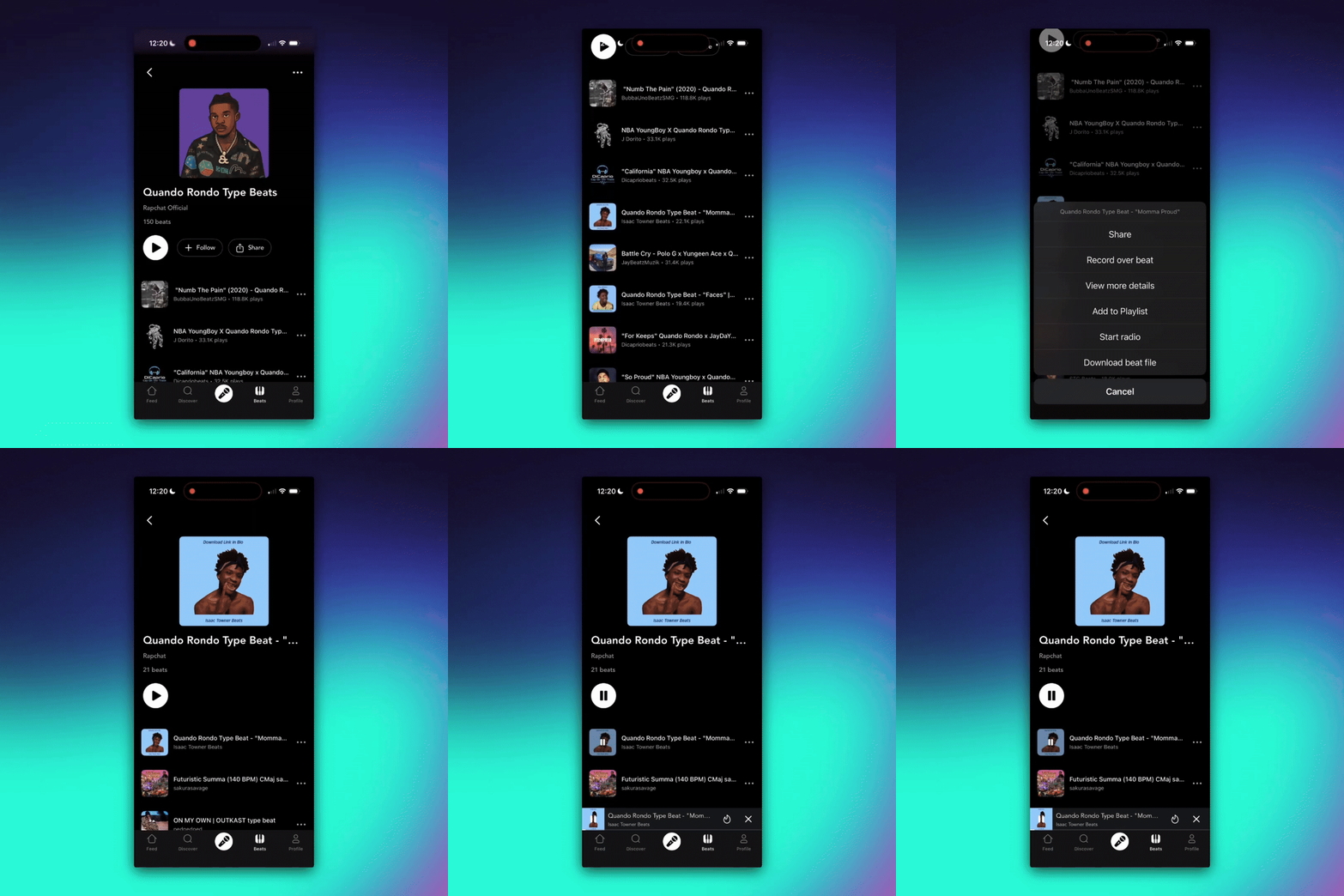
Start a radio player from any beat or song. This means every track leads to endless discovery — it’s like having your own personal DJ tuned to your vibe.
Just tap the the beat or song menu and choose "Play Radio"
🎤 4. Unlock vocal effects for FREE
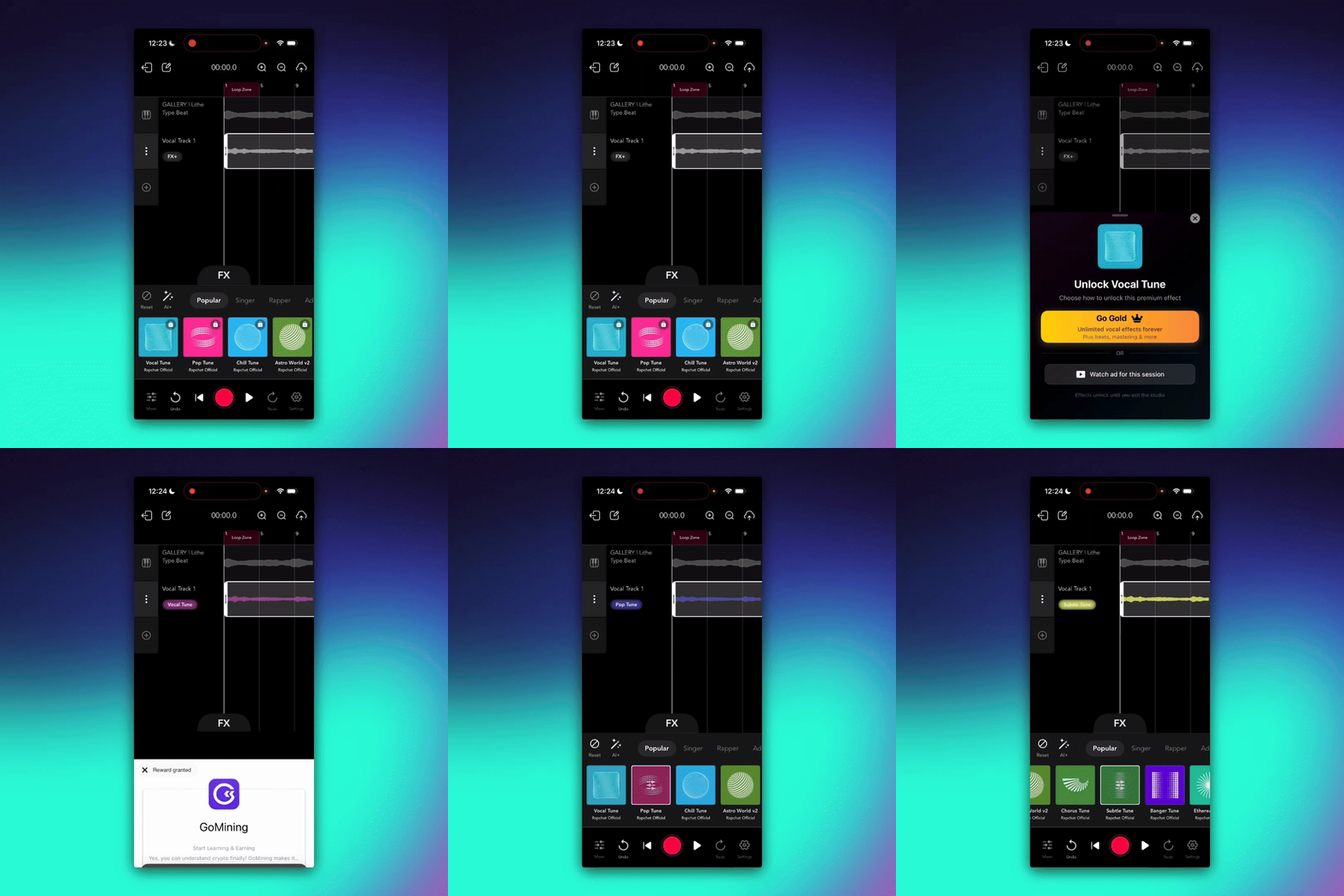
Now you can unlock premium Vocal Effects for free with rewarded ads! These are pro-level tuning effects designed to give your vocals polish and presence — perfect for taking your sound from rough draft to release-ready.
Open a project in Studio, tap the effect chain, and select Vocal Tune Pro. Watch a quick ad for temporary access, or go Premium for unlimited use.
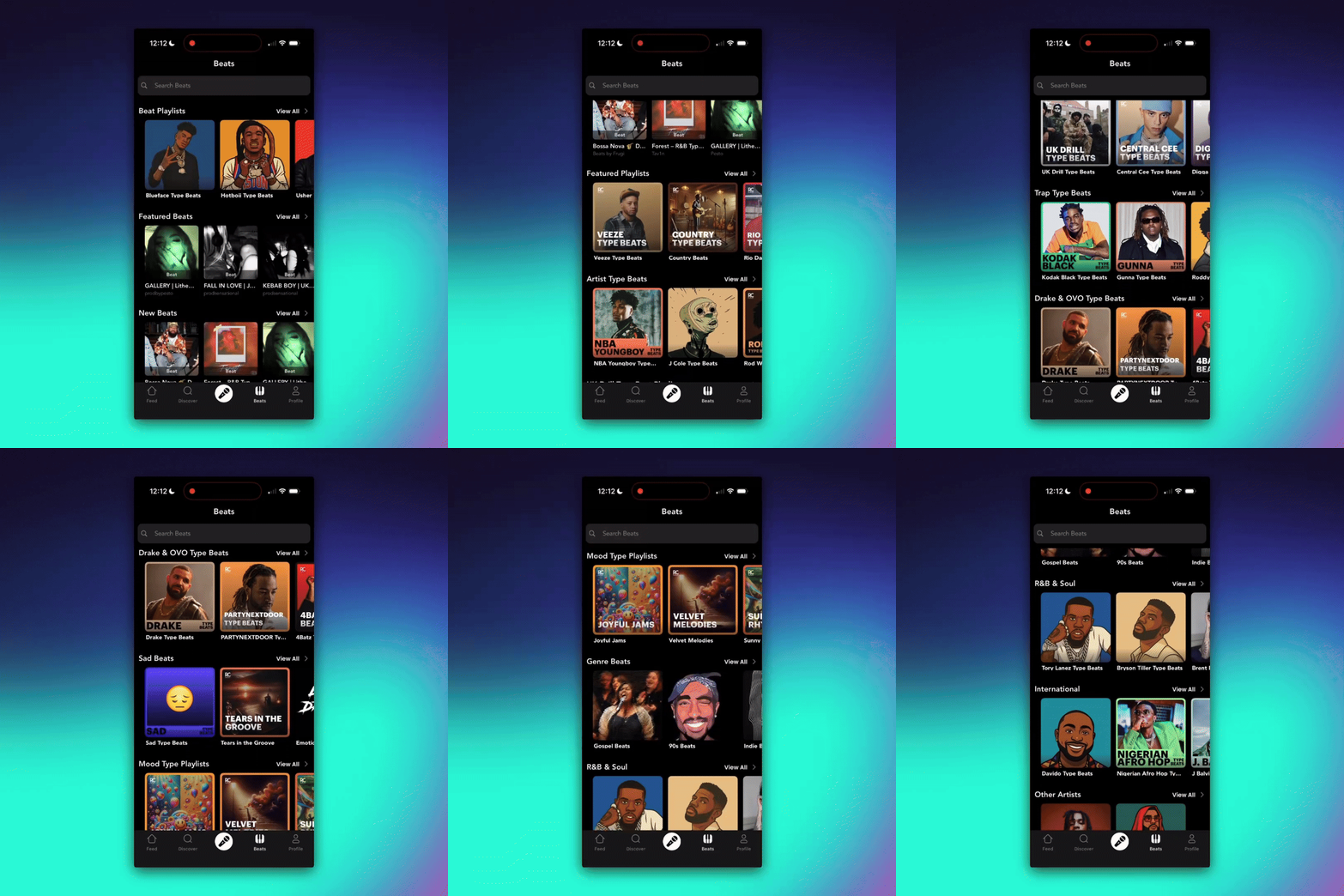
🎹 5. Improved beats browsing
Your Beats Feed now has a Netflix-style horizontal design with sections you can swipe through by vibe, mood, or style. This makes it quicker and easier to spot exactly the type of beats you’re looking for — trap bangers, soulful R&B, or experimental sounds.
Simply open the Beats tab, swipe through the sections, and dive deeper into the categories that match your mood.
📲 Download the latest version now and start creating!